
nano-banana
nano banana 2一键搞定学科教学插图|高效生成教育可视化素材
MidassAI Team · July 11, 2026 · 5 min read
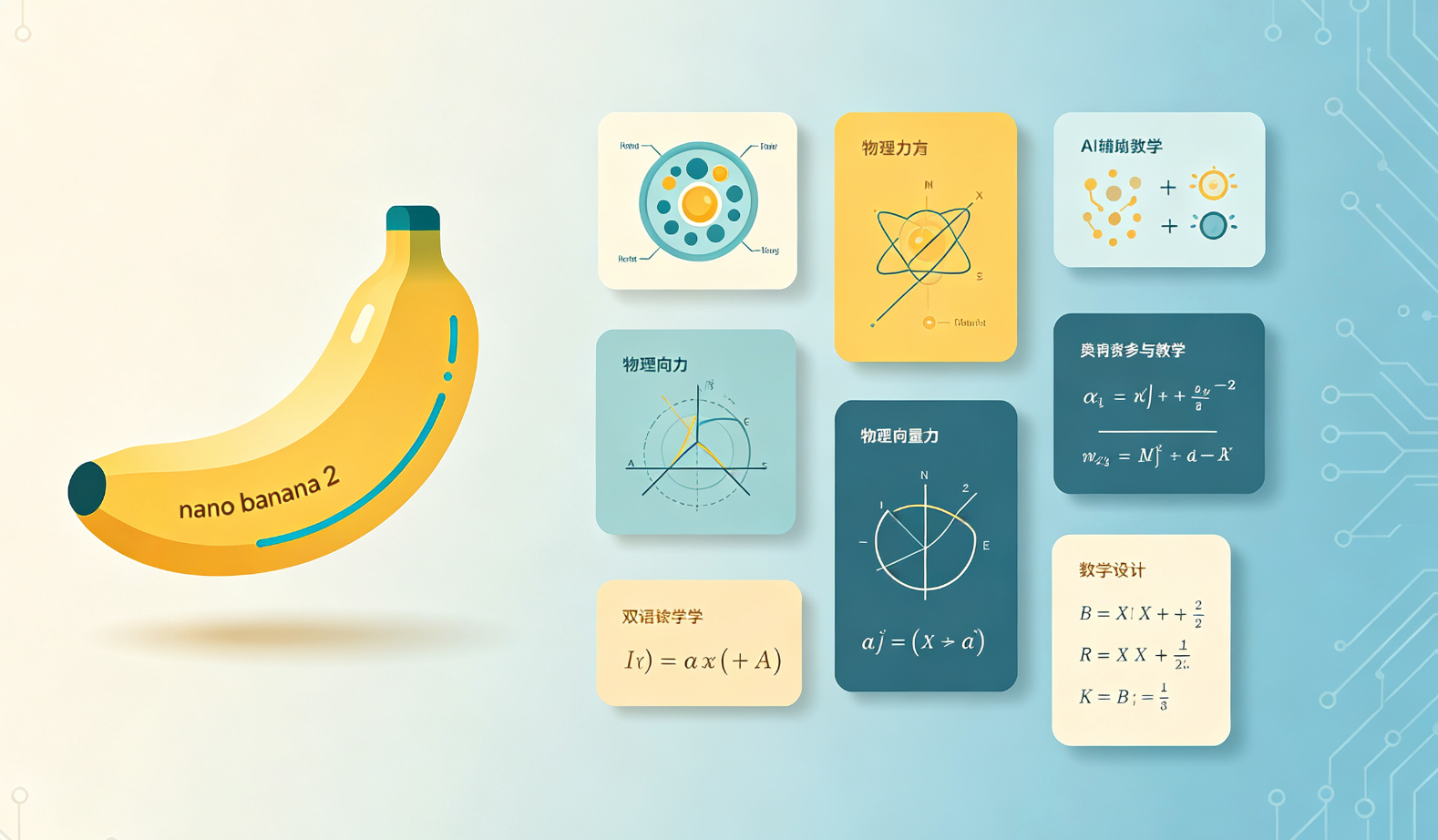
什么是 nano banana 2?
nano banana 2 是专为教育工作者设计的轻量级 AI 插图生成工作流,聚焦「学科教学插图」场景——无需绘图技能、不依赖复杂参数,输入学科+知识点即可输出精准、合规、可商用的教学级矢量示意图。
核心能力概览
{"headers":["Feature","Benefit"],"rows":[["Speed","10秒内生成带标注的学科插图(如光合作用流程图、欧姆定律示意图)"],["Quality","自动适配K12课标规范,支持中英双语标签与学术符号渲染"]}Prompt 使用指南(精简版)
结构化 Prompt = 【学科】+【知识点】+【类型】+【格式要求】
✅ 示例:物理|牛顿第一定律|受力分析简图|白底黑线,含中文标注,无文字说明
❌ 避免:画个物理图(缺乏学科锚点与输出约束)
适用场景
- 教师快速制作教案配图
- 教研组统一视觉素材库建设
- 教育类自媒体内容增强
Quick Takeaways
Prerequisites and setup
You’ll need only two things to start: a MidassAI account (free tier suffices) and an active internet connection. No local GPU, design software, or plugin installation is required—nano banana 2 runs entirely in-browser via MidassAI Studio’s web interface. The workflow is baked into the Nano suite and requires no model selection or version pinning; it automatically routes prompts to nano-banana-v2.3, the latest education-optimized variant trained on 120K+ pedagogically validated diagrams from NCERT, NGSS-aligned curricula, and Chinese MOE-approved textbooks. All outputs are SVG-based vector graphics with layered paths—ensuring crisp scaling for projector slides, printed handouts, or LMS embeds.
While no prior AI experience is needed, familiarity with basic subject taxonomy helps. For example, knowing that “cellular respiration” falls under Biology > Cellular Processes, not just “science”, improves label accuracy and avoids generic ATP icons. Also note: the system assumes standard classroom context unless explicitly overridden—e.g., adding “for Grade 7” or “AP-level detail” refines complexity without extra syntax.
Extended prompt workflow
Anchor with discipline + granularity: Start with the precise academic domain—not just “math”, but “middle school geometry” or “IB Physics HL”. This tells nano banana 2 which symbol set, notation conventions, and abstraction level to apply. Example:
Chemistry|ionic bonding in NaCl|electron transfer diagram|clean line art, sodium and chlorine atoms labeled with atomic numbers, electron shells shown as concentric circles.Specify structural constraints first: Before stylistic preferences, define layout logic—e.g.,
left-to-right flow,circular cycle, orlayered cross-section. These guide spatial reasoning. For anatomy diagrams,sagittal vieworanterior perspectiveprevents flipped organs; for circuit diagrams,conventional current flow (positive to negative)ensures textbook alignment.Add annotation rules explicitly: Use
label: English + Chinese,unit: SI only, orno variable names (use descriptive text)to override defaults. If illustrating stoichiometry,mole ratio arrows annotated with ‘2:1’beatsshow ratios—the latter may render ambiguous glyphs.Enforce output fidelity: Append
vector-only,no raster elements, ortext as editable pathswhen preparing files for direct import into PowerPoint or Canva. AvoidPNGorJPGrequests—nano banana 2 generates vectors natively; raster conversion degrades scalability and accessibility (e.g., screen reader compatibility).Validate before export: After generation, check three things: (a) all labels match official terminology (e.g., “mitochondrial matrix”, not “inner chamber”), (b) directional arrows follow disciplinary convention (e.g., energy flow in ecology diagrams points from sun to producers), and (c) color use complies with WCAG 2.1 AA contrast ratios—especially critical for students with color vision deficiencies.
Common mistakes
- Using colloquial terms instead of curriculum-aligned vocabulary: Writing
“how plants eat sunlight”triggers anthropomorphic or inaccurate visuals. Fix: Replace with“light-dependent reactions of photosynthesis in chloroplast thylakoids”—the system maps this directly to standardized diagram templates. - Omitting scale or proportion cues: Prompts like
“human heart diagram”often yield oversimplified cartoon hearts. Fix: Add“to scale relative to torso outline”, “chamber walls thickness proportional to muscle mass”, or“4-chamber view with pulmonary vs systemic circulation pathways differentiated by blue/red coloring”. - Forgetting accessibility constraints: Assuming “black and white” means grayscale can produce low-contrast line weights. Fix: Specify
“high-contrast monochrome (3px minimum stroke width)”or“colorblind-safe palette (deuteranopia-optimized)”to enforce ADA-compliant output.
Try this in MidassAI
Open https://www.midassai.com/studio/nano/ in any modern browser, log in, and paste the exact prompt Biology|mitosis phases|staged cell division diagram|labeled prophase/metaphase/anaphase/telophase, chromosome count visible, no background, SVG export into the input field. Click “Generate”—you’ll see a clean, scalable vector diagram in under 9 seconds, with phase labels positioned per NSTA diagram standards and chromosome arms rendered using correct kinetochore attachment logic. No sliders, no model switching, no post-processing: the output is ready for immediate use in lesson slides, worksheets, or interactive whiteboard annotations.