
nano-banana
Nano Banana 2 vs Pro: Which Gemini Image Model to Use
MidassAI Team · August 13, 2026 · 3 min read
Keywords: nano banana 2 vs pro, gemini image model, nano banana routing
Published: August 13, 2026 Author: MidassAI Team
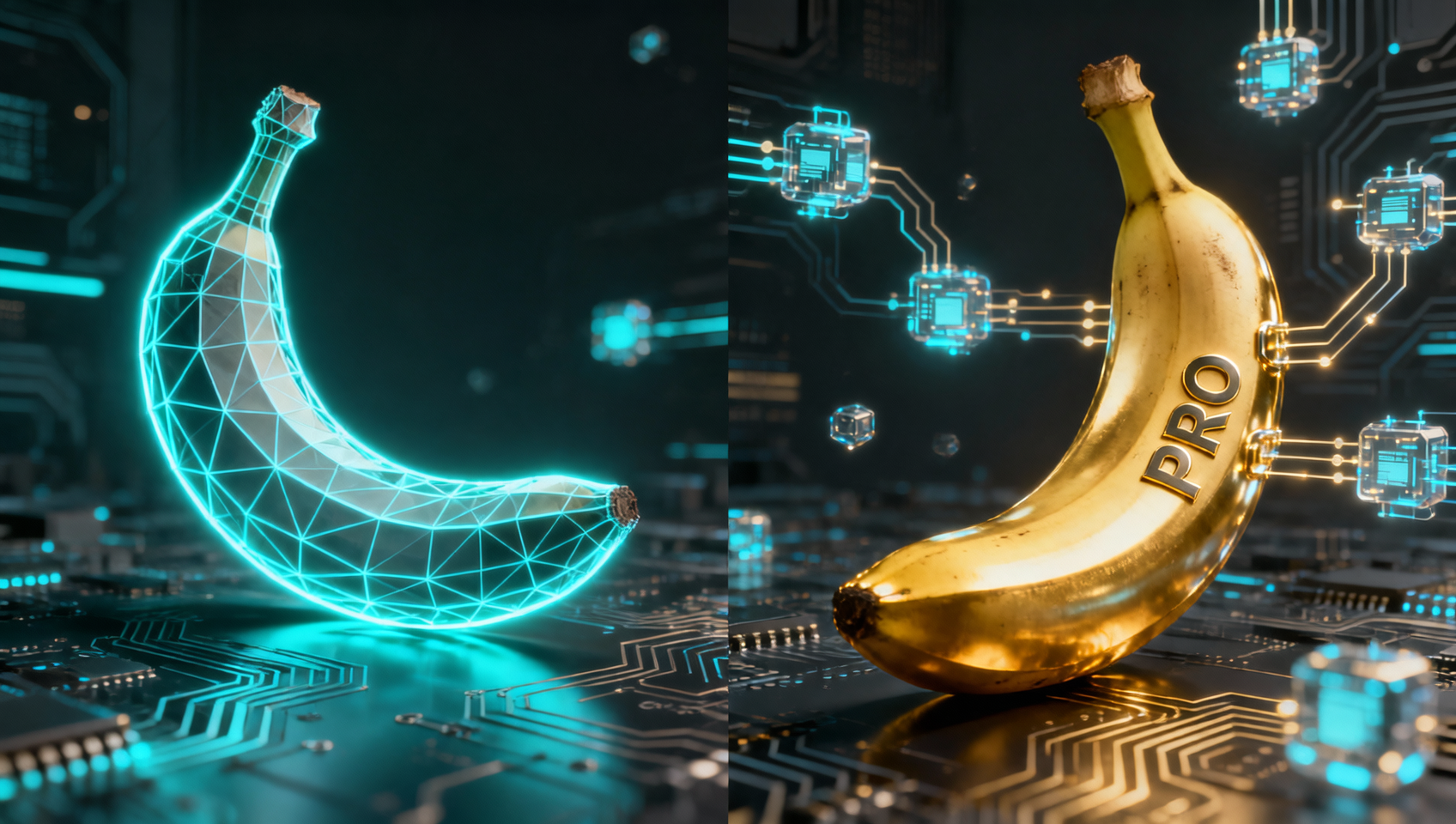
“Nano Banana” is Google’s Gemini image family nickname—not a separate app. The useful question is which model ID carries this job.
The three-lane map (2026)
| Lane | Typical ID family | Use when |
|---|---|---|
| Original Nano Banana | gemini-2.5-flash-image |
Cheap, fast, simple ~1K drafts |
| Nano Banana 2 | gemini-3.1-flash-image |
Default for most new work—speed, sizes, cost balance |
| Nano Banana Pro | gemini-3-pro-image |
Readable in-image text, dense layouts, final client polish / 4K-class assets |
Exact UI labels shift; treat the table as a routing policy, then confirm the picker in Gemini / API / MidassAI Studio.
Default policy we recommend
- Start on Nano Banana 2 for blog art, social drafts, product concepts, and iteration loops.
- Escalate to Pro only when text must be legible, diagrams must hold structure, or repair cost would exceed the Pro premium.
- Keep original Flash for bulk placeholders and internal moodboards where fidelity is disposable.
Do not make Pro your everyday default—you will burn budget on jobs Flash/2 already clear.
Scenario matrix
| Job | Model |
|---|---|
| 40 thumbnail variants | 2 (or original for 1K) |
| App store screenshot with UI chrome text | Pro |
| Product on seamless background | 2 |
| Multi-person campaign key visual | Pro first pass |
| Localization test images | 2, then Pro for the winner |
Prompt still matters more than the badge
Wrong model with a vague prompt loses. Right model with a layout brief wins. For Pro text jobs, quote every literal string (see our typography guide). For Banana 2 volume work, keep prompts short and iterate one change per turn.
Prerequisites and setup
In Studio, pin a default = Banana 2 preset and a final = Pro preset so teammates do not improvise. For API routes, log model ID beside each asset in your CMS so you can explain cost spikes later.
Extended workflow
- Brief the deliverable size and whether text is load-bearing.
- Generate 3–4 Banana 2 candidates.
- Pick one composition; if text/layout fails, one Pro regenerate—not five.
- Conversational-edit on the winning model instead of hopping models mid-chat.
- Export only after a 100% zoom text check on Pro finals.
Common mistakes
- Pro for every brainstorm. Fix: brainstorm on 2; polish on Pro.
- Assuming UI auto-picks optimally. Fix: set the model explicitly for paid work.
- Comparing models with different prompts. Fix: A/B with identical wording.
Try this in MidassAI
Create two saved routes—“Draft 2” and “Final Pro”—and force every ticket through Draft first. Open https://www.midassai.com/studio/nano/ and run the same product prompt on both lanes once to calibrate your team’s cost/quality bar.