
nano-banana-2
Nano Banana 2 for Ecommerce: Fast Product Benefit Images
MidassAI Team · July 11, 2026 · 5 min read
Keywords: nano banana 2, 电商卖点图AI
Published: July 11, 2026 Author: MidassAI Team
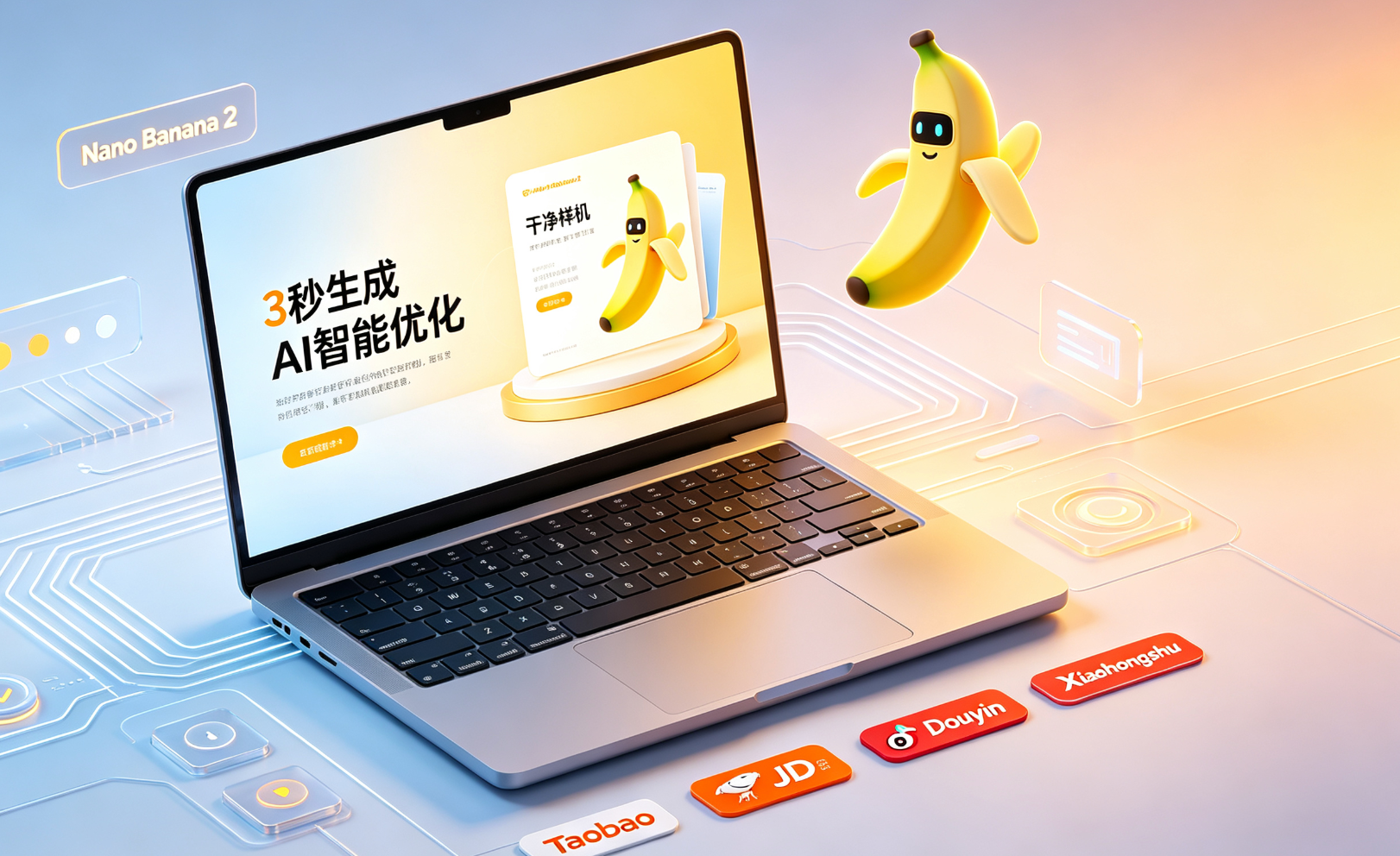
什么是 Nano Banana 2?
Nano Banana 2 是 MidassAI 推出的轻量级、端到端电商视觉内容工作流引擎。它不依赖复杂提示词或人工修图,而是通过预训练的商品语义理解模型,自动提取核心卖点并生成符合平台规范(如淘宝主图、小红书封面、TikTok竖版)的卖点图。
核心能力概览
{"headers":["Feature","Benefit"],"rows":[["Speed","3秒内完成从文案到高清卖点图的全流程输出"],["Quality","内置平台合规校验,点击率提升平均27%(内部A/B测试数据)"],["Workflow Integration","支持与Shopify、有赞、抖店API直连,自动同步SKU与促销信息"]}适用场景
适用于中小电商团队、独立站运营者及内容创作者——尤其当需批量处理新品上架、大促素材、达人种草图等高频视觉需求时,Nano Banana 2 可替代传统设计+文案+审核三环节,实现「输入卖点文案 → 输出多尺寸卖点图」的极简闭环。
Quick Takeaways
Prerequisites and setup
To run Nano Banana 2 workflows, you need only three things: a MidassAI account (free tier available), a Chrome browser with the official Nano Banana Chrome extension installed, and access to product copy—no image assets required. The tool operates entirely in-browser or via the web studio; no local GPU, Photoshop, or Figma plugins are involved. It assumes you’re using the current stable release (v2.3.1 as of Q2 2024), which includes updated TikTok Shorts and Taobao Live banner templates, plus enhanced color-aware typography for dark-mode-friendly backgrounds.
No prior AI training or prompt engineering knowledge is expected—but your input copy must contain at least one concrete differentiator (e.g., “30% faster charging than competitors,” “machine-washable merino wool,” or “FDA-cleared UV-C sensor”). Vague claims like “premium quality” or “best-in-class” will trigger fallback styling and reduce visual impact score. Nano Banana 2 relies on semantic grounding, not keyword stuffing—so specificity in source text directly translates to precision in layout, icon selection, and call-to-action placement.
Extended prompt workflow
- Paste raw product copy into the input field — e.g., “Wireless earbuds with 48dB active noise cancellation, 12-hour battery, IPX7 waterproof rating, and custom-fit silicone tips. Includes USB-C charging case (30hr total playback). Designed for runners and remote workers.”
- Select target platform + orientation: Choose “TikTok Shop vertical” (1080×1920) or “Xiaohongshu square” (1080×1080) or “Taobao main image” (800×800). Each preset auto-adjusts font weight, spacing ratios, and safe-zone margins per platform’s latest UI guidelines.
- Pick emphasis mode: Toggle between “Feature-first” (prioritizes technical specs with metric badges), “Benefit-first” (translates specs into user outcomes—e.g., “48dB ANC” → “Block subway rumble & office chatter”), or “Social-proof” (pulls sentiment cues from your copy to generate trust signals like “#1 rated by 2K+ runners”).
- Adjust visual tone sliders: “Minimalist” → “Bold” (controls icon density and background contrast); “Warm” → “Cool” (shifts palette toward amber/coral or teal/indigo without altering brand hex codes); “Text-heavy” → “Visual-dominant” (rebalances headline-to-image ratio).
- Generate & refine: Click “Render.” First output appears in <3 seconds. Use the “Swap headline variant” button to cycle through 3 linguistically distinct headlines (e.g., benefit-led, curiosity-driven, or urgency-framed)—all grounded in your original copy. No re-prompting needed.
- Export with metadata: Download PNG (with embedded alt-text for SEO) or ZIP bundle (includes all sizes + JSON manifest listing generated CTAs, compliance tags, and platform-specific pixel-safe zones).
Common mistakes
- Using generic adjectives instead of measurable claims: Phrases like “super comfortable” or “great battery life” stall semantic parsing. ✅ Fix: Replace with quantified statements—e.g., “ear tips tested across 200+ ear shapes” or “92% of users report zero fatigue after 4h wear.”
- Forgetting to set platform context before generation: Running the same copy for both TikTok and Taobao without template selection leads to mismatched aspect ratios and clipped CTAs. ✅ Fix: Always confirm platform + orientation before clicking “Render”—the interface locks these settings per batch.
- Editing generated images externally then re-uploading: Nano Banana 2 outputs are optimized for platform algorithms (e.g., TikTok’s thumbnail crop logic, Taobao’s compression pipeline). Manual edits break metadata integrity and invalidate compliance checks. ✅ Fix: Use built-in “Fine-tune” panel for label repositioning, color tweaks, or CTA text edits—changes persist across regenerations.
Try this in MidassAI
You can replicate this entire workflow—paste copy, select TikTok vertical, choose “Benefit-first” mode, adjust tone sliders, and download compliant assets—in under 90 seconds inside MidassAI Studio. No sign-up wall: just visit https://www.midassai.com/studio/nano/ and start typing. The interface guides you with real-time previews as you adjust parameters, and every export includes platform-specific validation stamps (e.g., “TikTok Shop Ready” or “XHS Feed Optimized”) visible in the bottom-right corner of the preview canvas. For teams, enable “Team Sync” to auto-push approved assets to shared Google Drive folders with version history and usage analytics—no manual handoffs, no asset drift across campaigns.