

Midjourney Alpha: Folder Defaults and Style Previews
Build a repeatable Midjourney Alpha session with folder defaults, style previews, clean comparisons, and aspect-ratio checks before editing.


A place for your next idea
Explore tutorials, prompts, and creative workflows for Midjourney, Seedance, Suno, Nano Banana, DeepSeek, and Gemini.
Find your starting promptStart with a task. Find the tools and guidance to make it happen.
Shape a visual direction, refine a prompt, or rework an image.
Plan your shots and turn a visual idea into a sequence.
Find a sound, write a song brief, and shape your arrangement.
Work through sources and turn scattered notes into a clear brief.
Editor's selection
Selected guides for your next creative project.
Build a repeatable Midjourney Alpha session with folder defaults, style previews, clean comparisons, and aspect-ratio checks before editing.

Use Gemini Connected Apps to prepare a traceable project brief: check supported actions, separate retrieval from changes, and verify the handoff.

Understand Suno Speech beta, choose a suitable spoken-audio project, and plan voice, music, pauses, and a practical listening review.
Prompt Library
Choose a brief, adjust the details, and copy it into your creative tool.
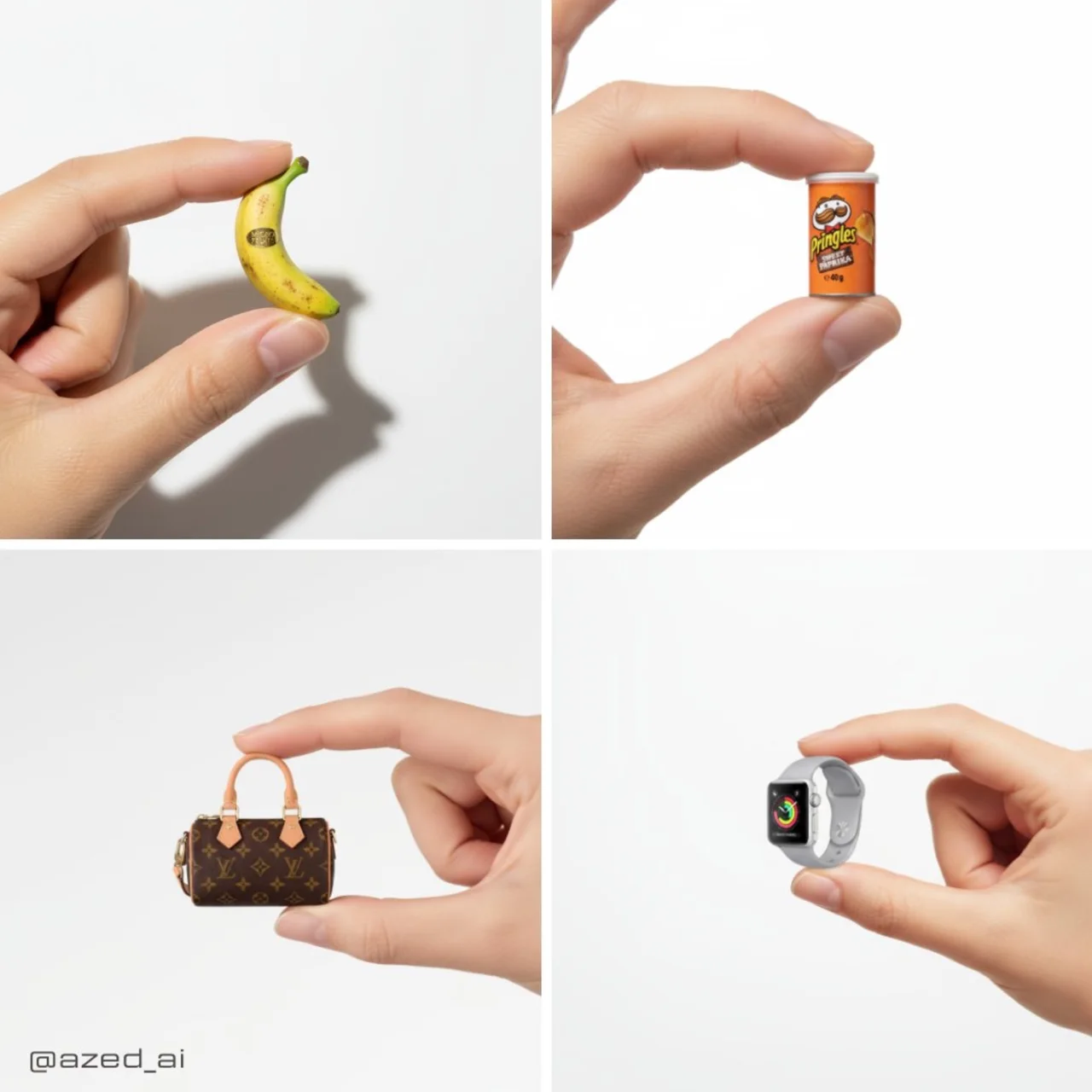 Midjourney
Compose an atmospheric product poster with intentional negative space; add precise brand text afterwards.
Customize template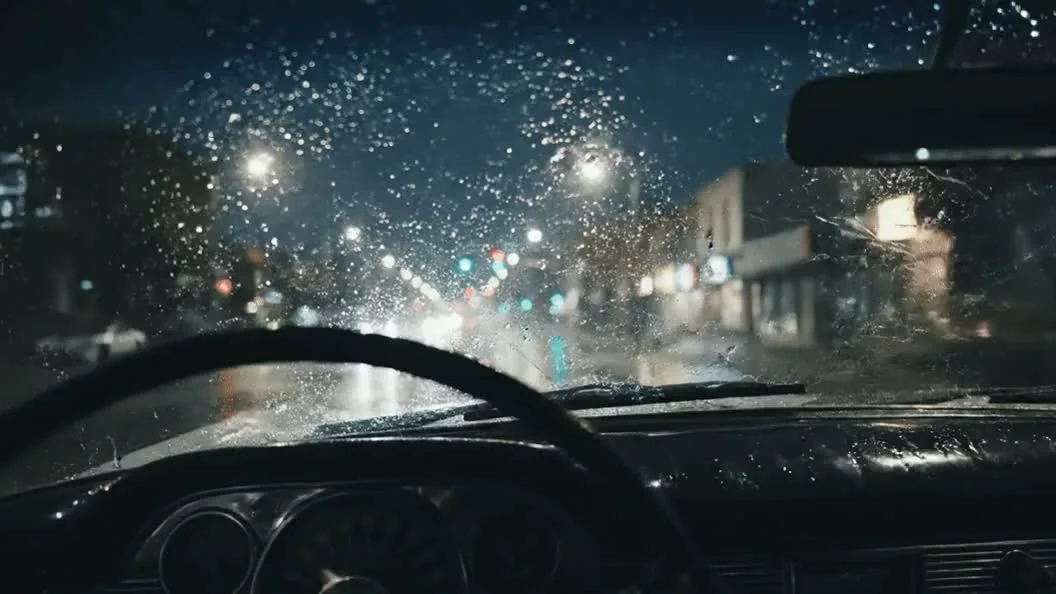 Seedance
Keep a short product shot focused on one camera movement, with a stable subject and an inspectable ending.
Customize templateDescribe a small instrumental arrangement and how it develops.
Customize templateMore tutorials, practical ideas, and updates to explore.
MidassAI
Bring your brief, choose a tool, and take the first step.


