
Midjourney Prompts Examples: A Practical Prompt Guide
MidassAI Team · September 20, 2026 · 6 min read
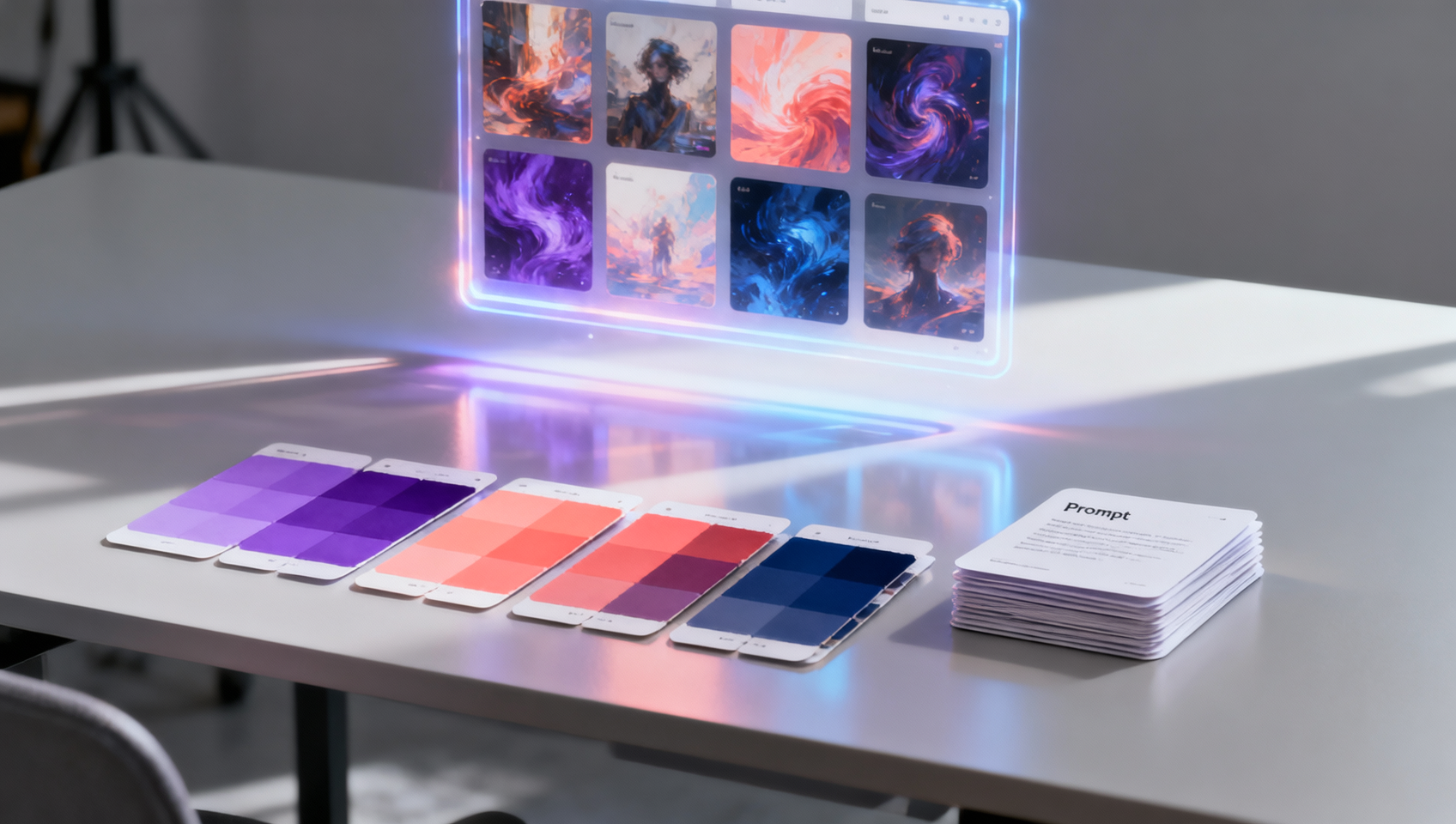
A strong Midjourney prompt gives the image model a clear subject and enough visual direction to make a useful first pass. The official Midjourney Prompt Basics guide, checked on 2026-09-20, recommends starting with a simple description, then adding the details that matter: subject, medium, environment, lighting, color, mood, and composition. This article turns that advice into reusable Midjourney prompts examples for common creative jobs.
The examples are starting points. Replace the subject, location, palette, and output format with details from your own brief. Midjourney’s interface and model options change over time, so check the current official documentation when you need the exact syntax for a parameter or reference feature.
A prompt pattern that is easy to revise
Start with the thing that must appear, then describe how it should be seen:
[subject and action], [medium or visual language], [environment],
[lighting and color], [mood], [composition], [optional parameters]
This order is not a rigid command format. It is a writing aid that keeps the important idea near the beginning. A prompt such as a ceramic tea set on a small wooden table, editorial product photograph, morning window light, warm neutral palette, three-quarter composition gives the model a subject, medium, setting, light, color, and framing without burying the goal in a list of generic adjectives.
Use concrete nouns and visible relationships. “A red umbrella held by a cyclist crossing a wet street” is more useful than “beautiful, high quality, amazing city.” If a number matters, state it: three people, two chairs, or a single tower. If a detail is optional, leave it out of the first pass so you can tell which instruction changed the result.
Midjourney prompts examples
Editorial portrait
editorial portrait of a ceramic artist in a bright workshop, linen apron with clay marks,
soft north-facing window light, muted terracotta and cream palette, thoughtful expression,
medium close-up, clean background, magazine photography
The subject and setting come first, then clothing, light, palette, expression, and framing. Change only one of those groups when you compare variations.
Product hero image
matte black travel mug on a pale stone pedestal, minimal studio product photograph,
soft side light, subtle contact shadow, warm gray background, generous negative space on
the left for a headline, centered three-quarter view
Negative space is a layout requirement, so name its location. If a logo or label must remain exact, provide it as a reference and inspect the lettering in the final image.
Atmospheric environment
coastal train station at blue hour, a single platform light reflected in rain,
small figures in long coats, cinematic wide shot, deep cobalt sky with amber highlights,
quiet reflective mood, strong leading lines toward the horizon
This prompt uses atmosphere and composition to control the scene without specifying a camera brand or a long list of effects.
Illustrated concept
cutaway illustration of a compact rooftop greenhouse above a dense city block,
clear botanical cross-section, hand-painted editorial style, limited green and coral palette,
soft afternoon shadows, readable separation between rooms, landscape composition
Describe the information hierarchy when the image needs to explain a system. “Readable separation” is more useful than adding several quality adjectives.
Food and packaging
artisan citrus soda bottle beside sliced blood oranges and rosemary, contemporary food
advertising photograph, crisp side light, pale blue tabletop, fresh summer mood, close crop,
clean label area with no extra text
State what should be absent when an unwanted object would weaken the layout. Generated text still needs a visual check before publication.
Use composition words deliberately
Composition terms tell Midjourney how the viewer should read the frame. Try close-up, medium shot, wide establishing view, top-down, three-quarter view, symmetrical, off-center, or leading lines. Add a subject relationship such as “the child in the foreground, mountains softened in the distance.” This is usually more controllable than stacking terms like “dynamic” and “epic.”
Lighting and color work the same way. Name a source and a quality: soft window light, hard midday sun, neon rim light, or diffused overcast light. Then give a limited palette: charcoal, cream, and one red accent. A restrained palette is easier to evaluate than a dozen color names.
References and parameters
The official Midjourney prompt basics documentation describes image prompts, style references, edit model references, and parameters. Use an image prompt when the composition or subject resemblance should begin from a supplied image. Use a style reference when the visual language matters more than copying the exact subject. In either case, say what the reference should control and what the text should change.
Parameters belong at the end of a prompt. Aspect ratio is often the first useful one because it matches the publishing surface:
quiet reading room with a tall window, editorial interior photograph,
soft morning light, warm wood and cream walls, vertical composition --ar 4:5
Use the current Midjourney documentation for supported parameter names and ranges. Avoid copying a version flag or a numeric setting from an old example without checking whether it applies to the model selected in your account.
A repeatable iteration loop
A practical session has four passes:
- Brief: write one subject, one setting, one visual direction, and one composition.
- Variation: generate a small set and identify the frame with the best subject and layout.
- Correction: change one issue, such as the light, crop, expression, or background.
- Delivery: set the final aspect ratio and inspect details at the size where the image will appear.
Save the prompt beside the selected image. When you revise, mark the changed phrase so the next comparison has a clear cause. If the model keeps adding an unwanted object, describe the desired empty area and use the current tool’s supported exclusion controls; do not keep adding unrelated adjectives.
Prompt checklist
Before sending a prompt, ask:
- Is the main subject named in the first phrase?
- Did I specify the medium or visual language?
- Are lighting, color, mood, and composition concrete?
- Does the aspect ratio match the destination?
- Are references assigned a clear role?
- Did I leave out details that do not help this image?
A short, specific prompt is easier to improve than a paragraph that tries to solve every decision at once. Start with the image you need, then add only the instruction that will make the next version more useful.