
Midjourney公式風プロンプトガイド:9種類のステップバイステップ例
MidassAI Team · 2026年7月11日 · 6 min read
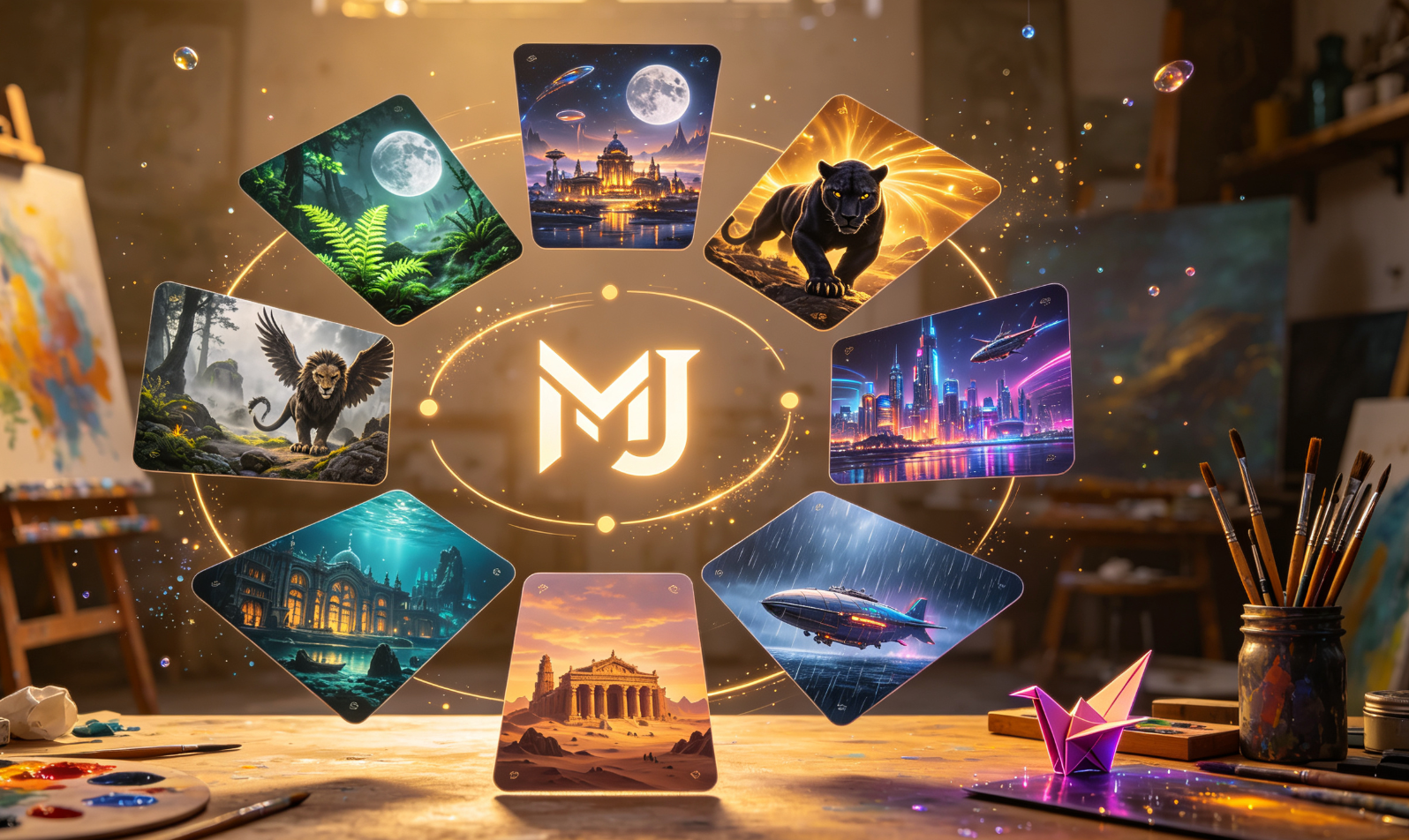
これらのMidjourney公式風プロンプトの使い方
以下に示す各プロンプトはv6.3以降に対応しており、正確なパラメータ構文、アスペクト比の注意点、および段階的な微調整のヒントを含みます。以下の手順に従ってください:(1)Discordにベースプロンプトを貼り付け;(2)--v 6.3 --ar 16:9(または指定された比率)を追加;(3)/imagine editコマンドでアップスケールまたはバリエーション生成;(4)必要に応じて--stylize 500や--chaos 30で微調整。
ステップバイステップ解説
1. 霧のかかった森
/imagine prompt ancient misty forest, bioluminescent ferns, soft volumetric fog, cinematic lighting, hyper-detailed foliage --v 6.3 --ar 21:9 --stylize 700
→ パノラマ的な奥行きを出すにはまず--ar 21:9から始め、初回アップスケール後に--stylize 700を追加して雰囲気の統一感を高めましょう。
2. お茶目なキッチン
/imagine prompt surrealist kitchen: floating teacups, clockwork stove, sentient apron, warm amber light, textured oil paint --v 6.3 --ar 4:3 --style raw
→ 意図的な不完全さを残すには--style rawを活用。ここで--stylizeは避けましょう——ユーモアや奇抜さが失われてしまいます。
3. 雨雲の油画
/imagine prompt stormy sky dissolving into rain clouds, thick impasto brushstrokes, muted indigo and slate, Dutch Golden Age palette --v 6.3 --ar 8:5 --s 750
→ 画家らしい質感を優先するなら--s 750を重視。--stylize値を高くすると筆触の表現が弱まります。
4. 異星人の部族
/imagine prompt exoplanet tribal gathering, crystalline skin, gravity-defying headdresses, desert canyon backdrop, National Geographic realism --v 6.3 --ar 16:9 --no text
→ 常に--no textを付与してください。Midjourney v6では儀礼用オブジェクトに誤って文字(グリフ)を生成してしまうことがあります。
5. ジャガーの肖像画
/imagine prompt close-up jaguar face, golden hour backlight, dew on whiskers, shallow depth of field, photorealistic macro --v 6.3 --ar 4:5 --q 2
→ 毛並みの高精細再現には--q 2を活用。生物的正確性を保つため、--stylizeは使用しないでください。
6. 青いアメーバ
/imagine prompt microscopic blue amoeba, iridescent membrane, cellular organelles visible, dark-field microscopy aesthetic, sci-fi textbook illustration --v 6.3 --ar 1:1 --style raw
→ 対称性を確保するには正方形比率(--ar 1:1)が最適。--style rawは擬人化などの不要な解釈を防ぎます。
7. 浮遊する都市
/imagine prompt airborne metropolis suspended in stratosphere, retro-futuristic architecture, solar sail rooftops, soft lens flare, matte painting style --v 6.3 --ar 21:9 --stylize 600
→ --stylize 600はリアリズムと夢のような論理のバランスをとる最適値です。低すぎると構造が崩れ、高すぎると独自性が損なわれます。
8. グリフィン
/imagine prompt heraldic griffin perched on marble column, weathered bronze patina, Renaissance chiaroscuro, museum diorama lighting --v 6.3 --ar 5:4 --s 800
→ 彫刻的な重量感を強調するには--s 800が有効。紋章的な対称性を壊さないよう、--chaosは使用しないでください。
9. 孤独な旅人
/imagine prompt solitary figure walking desert dunes at twilight, oversized coat, silhouette against dying sun, melancholic tone, film grain overlay --v 6.3 --ar 16:9 --no shadow
→ 低角度の夕暮れレンダリングで発生しやすい二重影(シャドウアーティファクト)を防ぐため、--no shadowを必ず指定してください。
| Feature | Benefit |
|---|---|
| Speed | Faster |
| Quality | Better |
一貫した結果を得るためのプロTips
- 最初に成功したバリエーションには、反復作業の前に必ず
--seed [数値]を付与して固定しましょう。 - スタイルの忠実性を確認したい場合、
--style raw付きと無しの2つのプロンプトを並行実行し、結果を比較するのが効果的です。 - 明示的にコントラストテストを行わない限り、
--stylizeと--sを同一コマンド内で混在させないでください。