
midjourney
Midjourney V7 Personalization and Draft Mode in 15 Minutes
MidassAI Team · August 8, 2026 · 4 min read
Keywords: midjourney, midjourney-v7, personalization, draft-mode, workflow
Published: August 8, 2026 Author: MidassAI Team
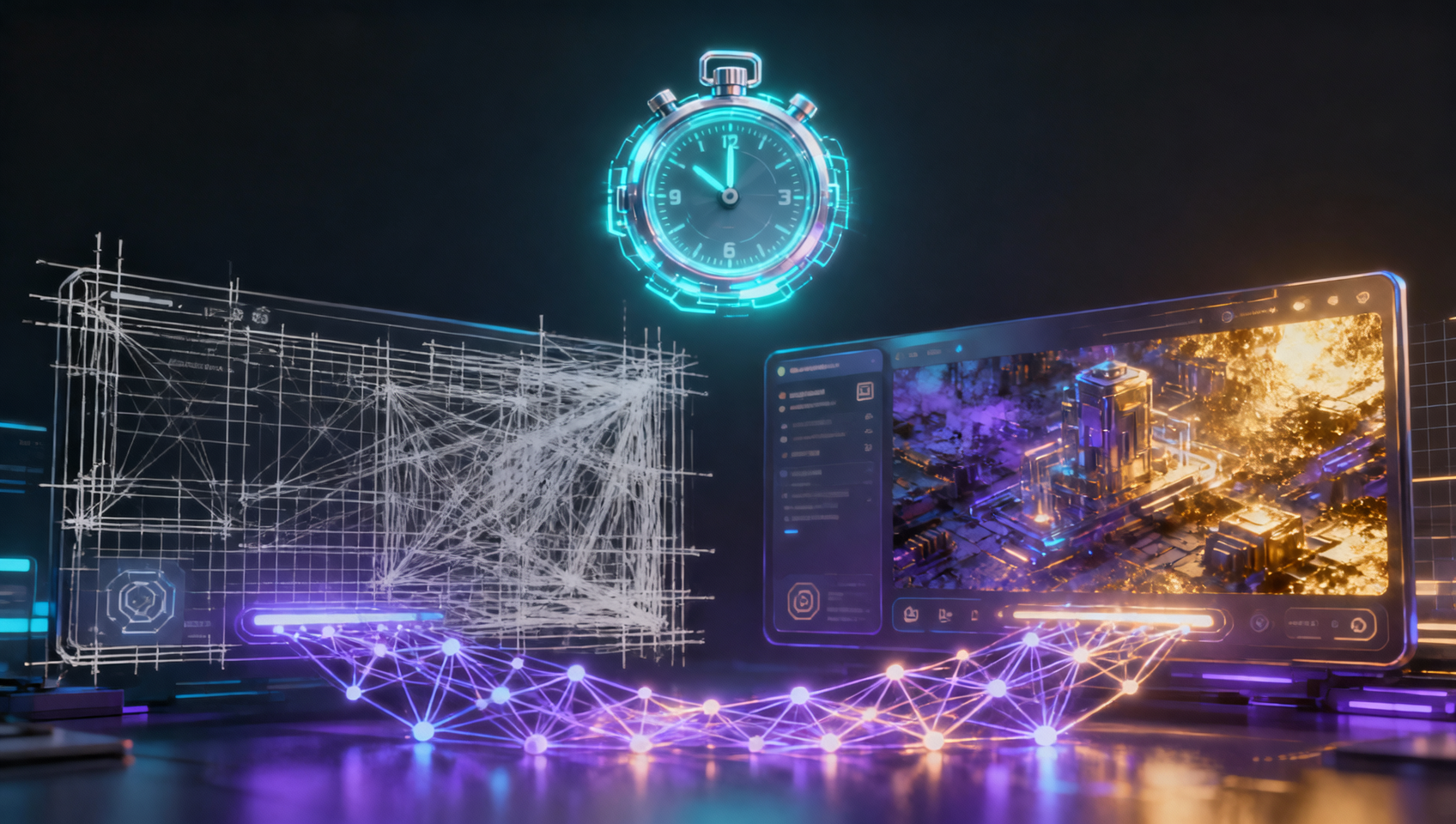
Two V7 features separate hobby rolls from production workflows: Personalization and Draft mode. Neither requires prompt wizardry—they require ten focused minutes in Settings.
Personalization: why your grids look “flat”
V7 ships with personalization inactive until you rank image pairs in Settings → Personalization. Until then, the model falls back and your output can look generic compared to creators who finished onboarding.
Goal: ~40–200 quick A/B choices (often 5–20 minutes). Pick the image that matches your taste, not Instagram bait. After activation, add --p or enable personalization on the web UI so every generation inherits that bias.
Use case: brand palettes that skew muted, editorial photographers who hate oversharpening, illustrators who want line weight consistency.
Draft mode: explore 20, finalize 1
Draft (⚡ or --draft) renders faster at lower GPU cost. The look is softer; that is intentional. Workflow:
- Write one clear sentence +
--ar+--rawif photographic. - Draft-roll until composition and lighting work.
- Re-run the winner without draft for delivery resolution.
Trying to polish every roll in full quality is how teams burn subscriptions before lunch.
A 15-minute setup block
| Minute block | Action |
|---|---|
| 0–5 | Finish personalization pairing |
| 5–8 | Draft session: one subject, three aspect ratios (--ar 1:1, 16:9, 9:16) |
| 8–12 | Pick best composition; note which words moved the result |
| 12–15 | Full-quality render + save prompt snippet to your library |
Combine with references
Once personalization is on, add --sref for campaign look and --oref for recurring talent. Personalization is the base layer; references are per-shot overrides.
What not to expect
Personalization is not training on your private dataset—it nudges taste. Draft is not a final deliverable. For print or hero banners, always exit draft before export.
Prerequisites and setup
To execute this workflow, you need an active Midjourney subscription linked to either Discord or the Alpha web interface. Ensure your default model version is set to V7 in the settings menu, as earlier versions do not support the specific personalization codes used here. Personalization data carries over from V6, but refreshing your preferences in V7 yields sharper adherence to stylistic choices.
You will also need a text editor or note-taking app ready to store prompt snippets. Since Draft mode generates lower-resolution previews, do not rely on the Discord grid alone for organization. Save the exact text strings that produce successful compositions so you can recall them for the final high-resolution upscale without retyping and risking variation drift.
Extended prompt workflow
- Initialize Personalization: Navigate to Settings → Personalization and rank at least 50 image pairs. Once complete, append
--p 250to your prompt, adjusting the strength value between 100–1000 based on how heavily you want the model to bias toward your ranked choices. - Drafting Composition: Enter
/imagine prompt: [subject] --draft --ar 16:9 --style raw. For example:cinematic shot of a vintage diner at night --draft --ar 16:9 --style raw. Generate four variations to test lighting angles without consuming full GPU minutes. - Refine Parameters: Identify the strongest grid image. Copy its seed number using the envelope reaction and add
--seed [number] --no blurto lock the composition. Remove the--draftflag at this stage to prepare for final rendering. - Final Render: Submit the refined prompt with
--upbetaor standard upscaling enabled. If using references, layer them now:--sref [url] --p 250. This ensures the personalization taste profile blends with the specific style reference rather than conflicting.
Common mistakes
- Mistake: Using
--draftfor final client deliverables. Fix: Always strip the draft flag before the last upscale; draft images lack the pixel density required for print or high-DPI screens. - Mistake: Overloading personalization strength. Fix: If outputs look too similar regardless of prompt changes, lower the
--pvalue from 500 to 100 to allow more prompt adherence. - Mistake: Ignoring seed consistency during iteration. Fix: When tweaking colors or lighting, keep the seed constant to isolate variable changes rather than regenerating entirely new geometries.
Try this in MidassAI
Replicate this V7 workflow directly within MidassAI Studio to manage your prompt library and version control. The Studio interface allows you to save personalized parameter presets and toggle Draft mode without typing slash commands manually. Start your session here to track GPU usage and organize your final renders alongside your draft explorations: https://www.midassai.com/studio/mjpro/