
Director Tags in Suno Lyrics: Whisper, Belt, and Build
MidassAI Team · August 8, 2026 · 4 min read
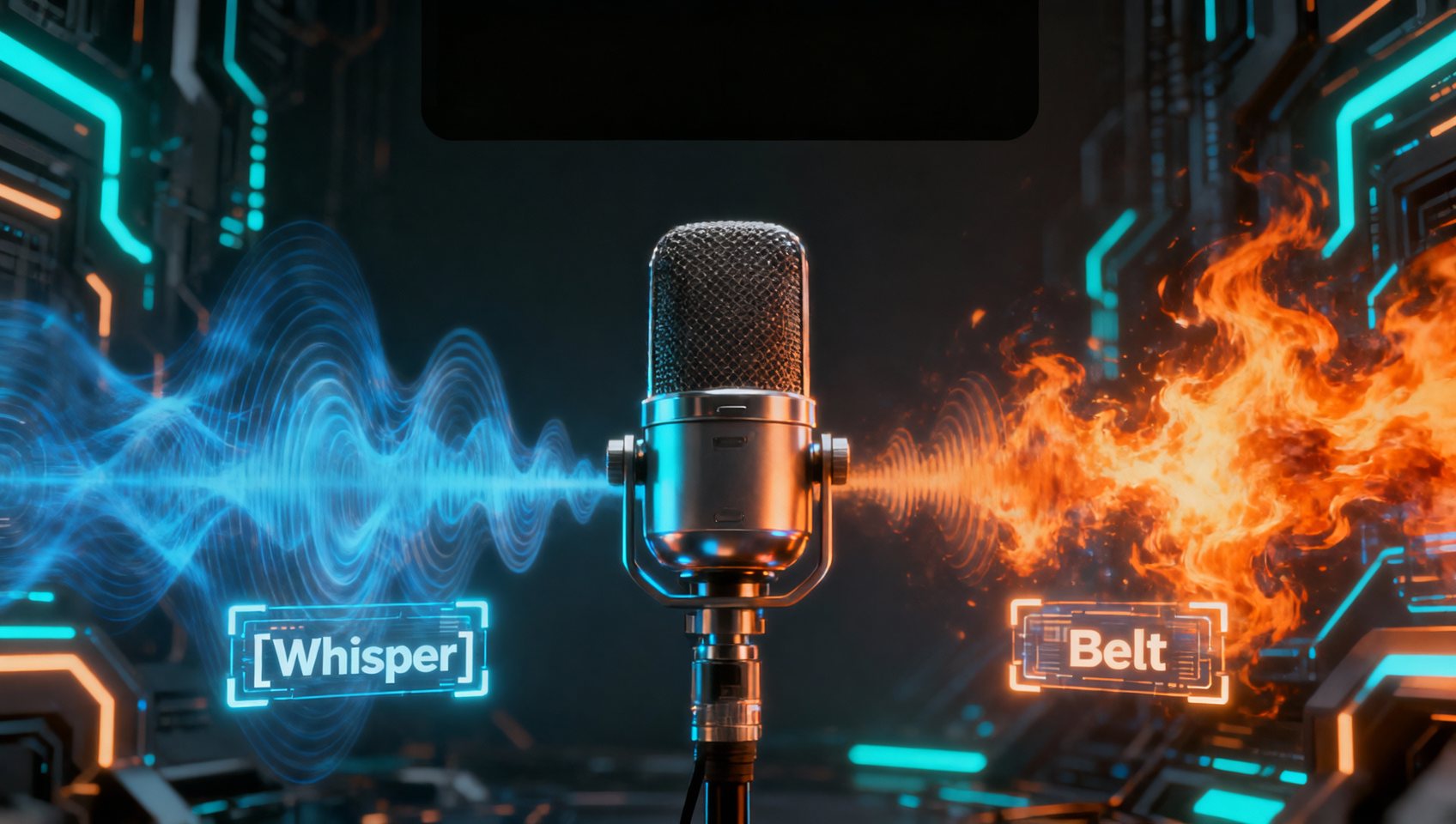
Structure tags ([Verse], [Chorus]) tell Suno where you are. Director tags tell it how to sing—v5 reads them more consistently than older models, especially stacked on the same section.
Basic director vocabulary
| Tag | Effect |
|---|---|
[Whispered] |
Intimate, breathy delivery |
[Belted] |
Loud, chest-forward hook |
[Spoken] |
Rap-adjacent or talk-sing |
[Ad-libs] |
Short improvised fills |
[Build] |
Rising energy into drop |
Place director tags on the line above the lyrics they modify or inline before a phrase.
Parameterized sections
Combine structure + direction:
[Chorus: belted, full band, wide harmonies]Change only the parameter when iterating (belted → whispered) to hear layout stay stable while performance shifts.
Example mini-lyric
[Verse]
[Whispered]
Streetlights blur on the glass
I count the hours till we pass

[Chorus: belted]
Meet me where the sirens fade
Every promise we already made
Stack with Style discipline
Director tags steer performance; they do not replace genre tags in Style. If Style says aggressive metal but every section is [Whispered], Suno splits the difference oddly—align mood both places.
Replace Section workflow
When one chorus belt fails but verses work, use Replace Section on that chorus only—paste the same director tags so the edit matches the brief.
v5.5 personalization
Custom Models and Voices sit under the prompt. Director tags still apply on top—think of them as stage directions for whichever singer the model loaded.
Practice drill
Take a finished Simple-mode song, rebuild in Custom with identical Style, add director tags to the hook only, generate twice. Keep the take where dynamics actually jump between verse and chorus.
Prerequisites and setup
You need an active Suno subscription accessed exclusively through Custom Mode, as Simple Mode hides the lyric box required for manual tagging entry. Ensure your model selection is set to v5 or later, since earlier versions often ignore inline performance cues or treat them as literal lyrics to sing aloud.
Verify your account has sufficient generation credits available, as iterative testing consumes batches quickly when refining dynamic shifts between song sections. You should also clear your browser cache if tags stop rendering, as local storage issues can sometimes interfere with prompt processing.
Extended prompt workflow
- Draft your full lyric structure first without any performance cues. Establish clear
[Verse]and[Chorus]boundaries so the AI understands the song map before you add emotional layering. - Position performance cues on the preceding line to isolate the effect. For a high-energy climax, write
[Big Finish]or[Power Vocals]directly before the final chorus block to signal increased intensity without changing the underlying melody. - Adjust the Style prompt to support the tags. If you request
[Whispered]verses, remove words likeanthemorstadiumfrom the Style box to prevent the model from fighting your specific line-level instructions. - Generate multiple variations while keeping the lyric box identical. Compare outputs to see which take respects the dynamic shift from quiet verses to loud hooks, then use that specific seed for further extensions.
- Lock in successful dynamics by extending from the best clip. Do not change the tags when extending, or the AI may revert to a default vocal performance for the new sections. Consistency in the prompt box ensures the model maintains the energy curve throughout the full track length.
- Save the successful lyric structure as a snippet. Reusing proven tag combinations saves time when starting new projects with similar emotional arcs.
Common mistakes
- Tagging every single line: This confuses the generator and slows processing significantly. Only mark sections where the delivery needs to change significantly from the established baseline, otherwise the model loses focus on the actual lyrics.
- Contradicting the Genre: Asking for
Death Metalin the Style box but[Soft Lullaby]in the lyrics creates audio artifacts. Ensure your genre tags support the vocal delivery you are requesting in the lyric box to avoid muddy mixes. - Ignoring Bridge Dynamics: Many users leave the bridge empty of direction, resulting in a flat energy curve. Add
[Strip Back]or[Half-time]here to create necessary tension before the final chorus hits hard.
Try this in MidassAI
Stop guessing which tags work best on your specific hardware setup or losing track of successful prompts. You can test these director configurations directly within our interface to manage versions and save successful prompts for later reuse without digging through chat history. Visit https://www.midassai.com/studio/suno/ to access the Studio environment where you can organize these custom lyric structures and track generation history efficiently.